
Trafficity Intersection Basics: Which Junction Fits
Pick the right Trafficity junction: uncontrolled crossing, give-way, signal or roundabout, with the traffic conditions that make each one the correct choice.
Every Trafficity junction is a choice between four tools: nothing, a give-way, a signal, or a roundabout. Each one fails in a different way, and the art of the game is picking the failure you can live with. This page is the selection table. The detailed builds live in the roundabout guide→ and the traffic lights guide→.
The four junction types
Uncontrolled crossing. Two roads meet, nobody has priority, cars resolve it themselves. This works at very low flow and fails badly the moment two streams are equal, because every car has to negotiate. Use it for a side street feeding a quiet road, never for two through routes.
Give-way. One road has priority and the other yields. This is the correct default for a T-junction where a minor street meets an arterial. It fails when the minor street's queue grows longer than the gap the arterial ever offers.
Signal. Lanes are grouped into phases and take turns. It handles heavy conflicting flow and it is the only tool that can give a protected left turn. It fails when phases are badly balanced, because a short green on the heavy movement produces a queue that survives the cycle.
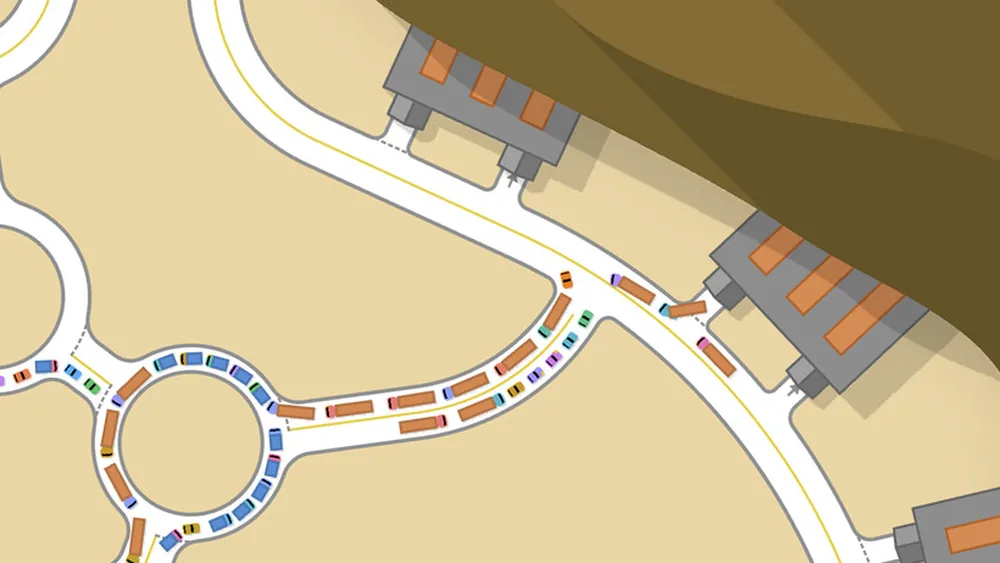
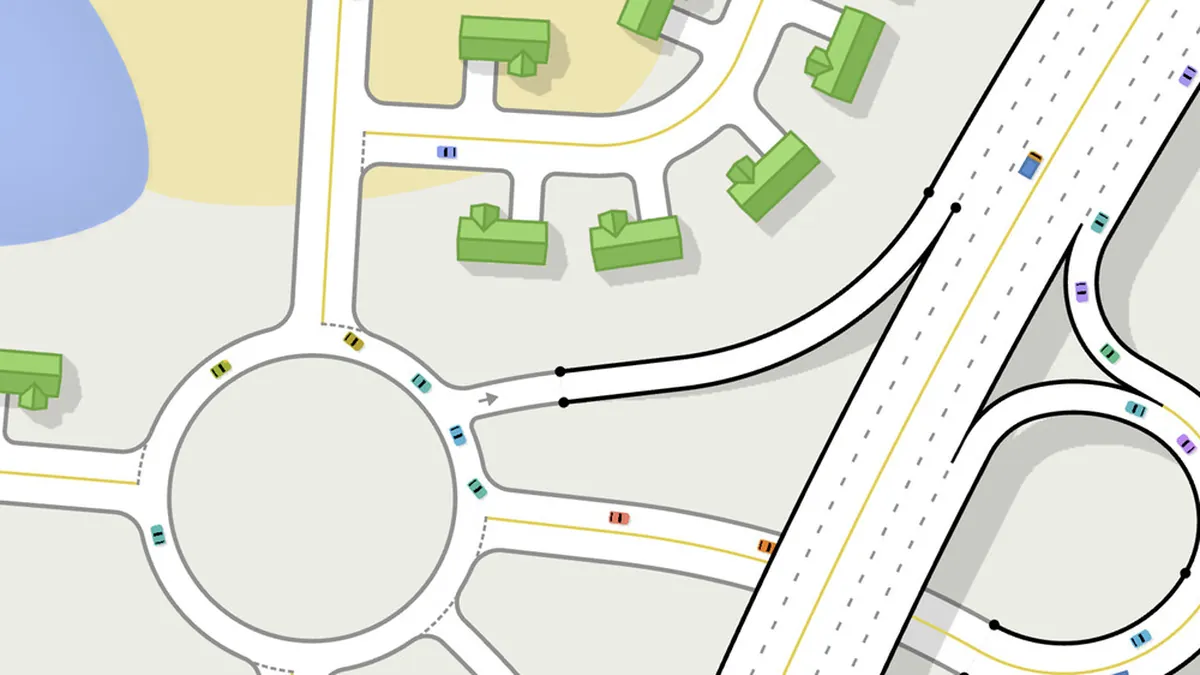
Roundabout. Every movement becomes a right turn into a circulating lane. It handles mixed turning traffic well and has no lost time, but it fails when one entry is saturated and blocks the circle.
| Junction | Best for | Fails when |
|---|---|---|
| Uncontrolled | Two quiet streets | Flows become equal |
| Give-way | Minor street onto arterial | Minor queue exceeds gaps |
| Signal | Heavy conflicting flow, protected turns | Phases are unbalanced |
| Roundabout | 3-4 mixed-turn entries | One entry saturates the circle |
Build the cheapest junction that works, then upgrade when the overlay shows pressure. A signal installed at a junction that only needed a give-way adds delay and hides the real problem.
Reading a junction's failure
The overlay tells you where the queue is. The junction type tells you why.
- Queue on one approach only. That approach is either under-capacitated or its green is too short. Before adding a lane, check whether its movements conflict with the heaviest movement.
- Queue on all approaches at once. The junction is over its capacity for the traffic you are feeding it. The fix is upstream - a bypass, a second crossing, or moving a destination.
- Queue that clears then rebuilds within one cycle. The junction is at its limit. A longer cycle helps slightly; a second lane on the critical movement helps more.
- Queue that never clears but moves slowly. A blocked exit. Cars cannot leave the junction, so the junction fills. Look downstream, not at the signal.
Geometry rules that apply to all types
Junctions in Trafficity are drawn, not placed from a menu, so their geometry affects behaviour.
Keep entries close to ninety degrees. A junction where a side road joins at a shallow angle creates a long merge zone and confusing lane assignments. If the road geometry forces a shallow angle, consider a roundabout instead.
Separate the turn from the through lane. A left-turn pocket on the approach, connected only to the left movement, stops one waiting car from owning the lane.
Leave room to grow. A junction with buildings on all four corners cannot gain a slip lane, a turn pocket or a second entry lane. Leave at least a building's width of space around any junction you expect to matter.
Widening the approach to a junction moves the queue backwards but does not increase how many cars the junction can process. If the bottleneck is the junction itself, extra lanes only make the queue shorter and wider.
When to change type
The decision to rebuild a junction should follow evidence, not frustration. A junction is a candidate for upgrade when the overlay shows the same approach red across three or more consecutive cycles, and when you have already checked that the exit is clear and the lane connections exist.
At that point:
- If the junction has three or four mixed-turn entries and no dominant through flow, try a roundabout.
- If the junction has heavy straight-through flow from two directions, try a signal with a protected left.
- If the junction is a minor street onto an arterial, make sure the give-way is actually working and the queue is not caused by a blocked exit.
The bottleneck diagnosis page→ formalises that check so you do not rebuild the wrong junction.
Junction spacing
Two junctions too close together behave as one badly designed junction. If the gap between them is shorter than the queue on the first, a blocked second junction locks the first. As a working rule, keep junctions at least a full block apart, and never place two signalised junctions so close that a queue from one stops inside the other.
Where junctions must be close - a pair of T-junctions forming a staggered crossing - consider replacing them with one roundabout. It is usually cheaper than rebuilding both.
Where the data comes from
- Trafficity on Steam ↗ - store description, price and feature list.
- Trafficity news hub ↗ - patch notes and developer posts.
- Steam global achievement percentages ↗ - the public endpoint behind the completion figures quoted here.
Official source: Trafficity on Steam ↗
FAQ
What is the best junction type in Trafficity? There is no best type. A roundabout is the safest default for three or four mixed entries; a signal is better for heavy two-way through traffic and protected lefts.
Do I need traffic lights for a small city? No. Roundabouts and give-way junctions carry a small city. Signals become useful at mid-game volumes.
Why does my give-way junction back up? Usually because the minor road's queue never finds a gap in the arterial, or because the exit beyond the junction is blocked. Check both before changing the junction type.
Can I mix junction types on one road? Yes, and you often should. The type should match the local flow, not the road's status.